Shape Optimization
In the field of CFD-based shape optimization, the process often involves dealing with a multitude of parametric geometric variations, sometimes reaching hundreds or even thousands. Manual meshing becomes impractical in such cases, necessitating the need for an automated system that can discretize the fluid domain while accurately capturing the subtle changes in each geometric variant. This is where GridPro, with its advanced meshing capabilities, comes into play.
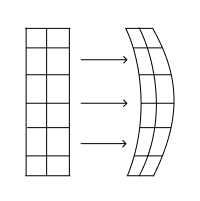
GridPro leverages dynamic boundary-conforming technology to enable the generation of meshes for a wide range of geometric variants using a single topology. Whether the variation lies in component shape or position, the built-in algorithm seamlessly moves the grid blocks over the surface to ensure proper alignment with the new geometry. As a result, the generated grids exhibit smoothness and orthogonality, effectively capturing the intricate details of the geometric variations.
To further streamline the shape optimization process, GridPro can be combined with parametric geometric modeling software such as Caeses. This integration enables hands-free shape optimization CFD studies, where different parametric variants generated by Caeses are seamlessly fed into the GridPro script to generate multi-block grids. Subsequently, a CFD solver, integrated into the automation chain, performs the necessary computations for each design variant considered within the design space. This holistic approach allows engineers to explore a multitude of design possibilities efficiently and effectively, pushing the boundaries of CFD-based shape optimization.
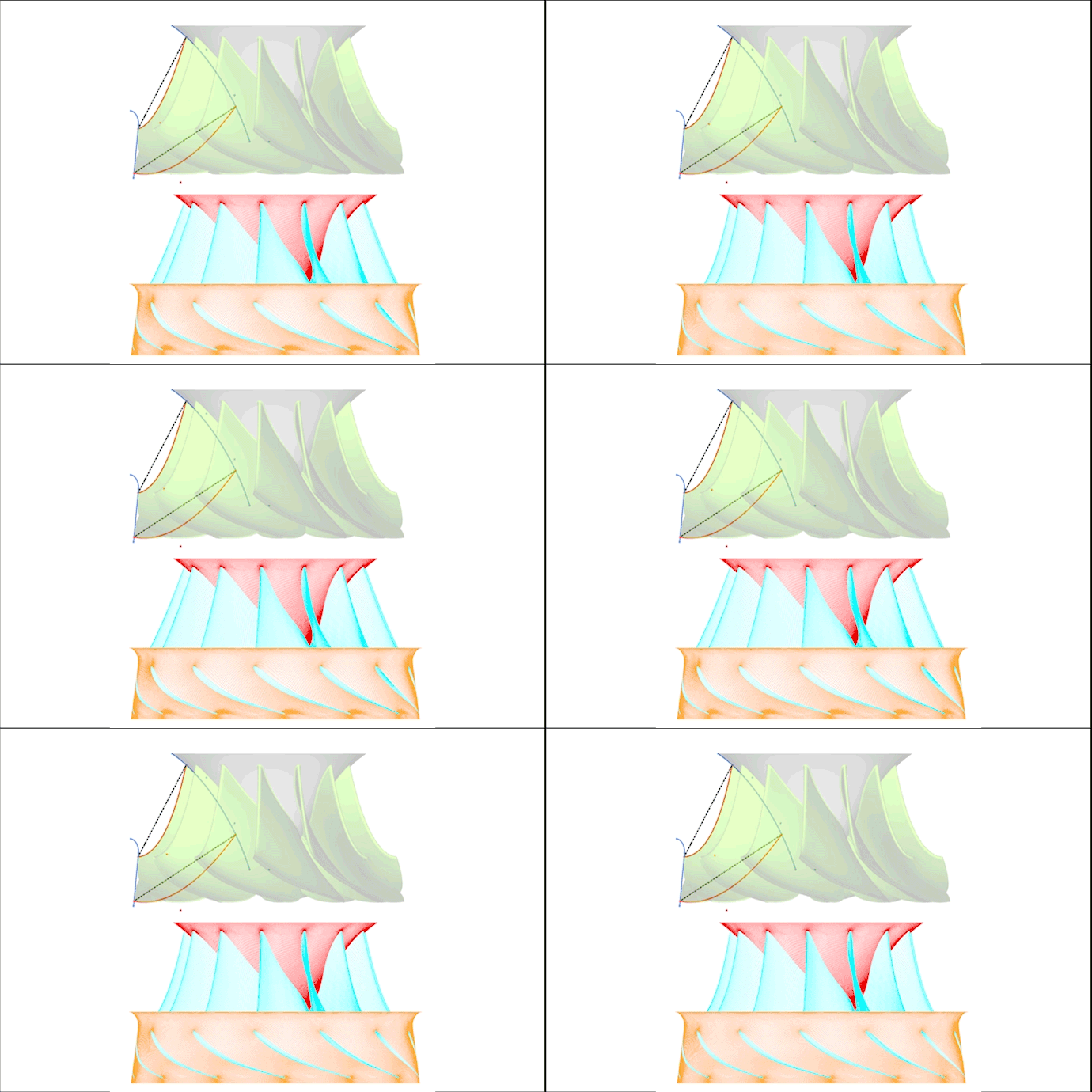
In situations where shape optimization is performed, the topology of the geometry remains unchanged. Thus, technically, a single topology suffices for all the geometric variants. However, extreme variations may require certain blocks to undergo transformations to accommodate significant deviations from the mean geometry upon which the base topology is built. In such cases, appropriate transformation commands can be invoked in the script to facilitate the alignment of the blocks with the new geometric features. This methodology finds application in scenarios like meshing a drone blade, where scripts are utilized to move specific blocks for geometric variants extending significantly beyond the base design.
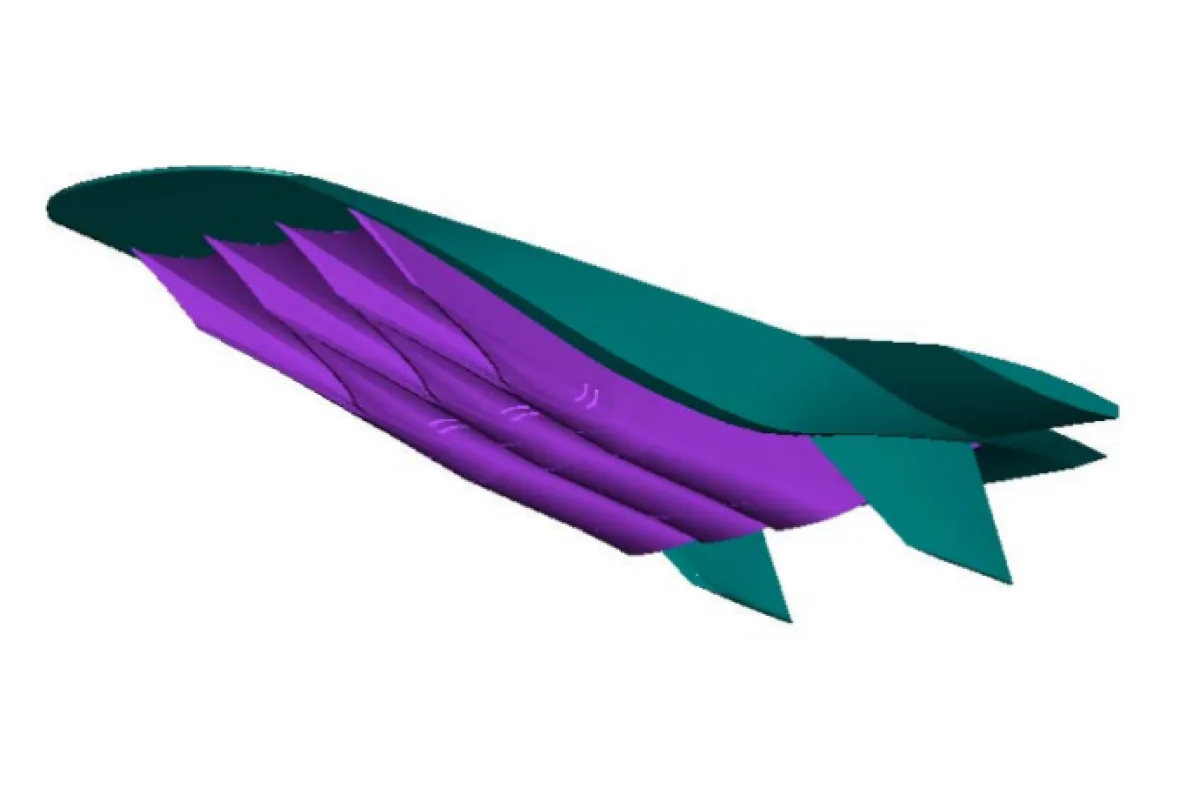
Example 1: REST class hypersonic inlet variations.
Automated grids were generated for multiple geometric variants for parameters of lip angle, throat aspect ratio and throat super ellipse power.
Example 2: Piston bowl shape optimization in Caeses environment.
The topology blocks automatically conforms to the geometric variants to generate high quality grids. To learn more on Piston bowl shape optimization read our blog article on Piston bowl shape optimization and meshing for CFD.

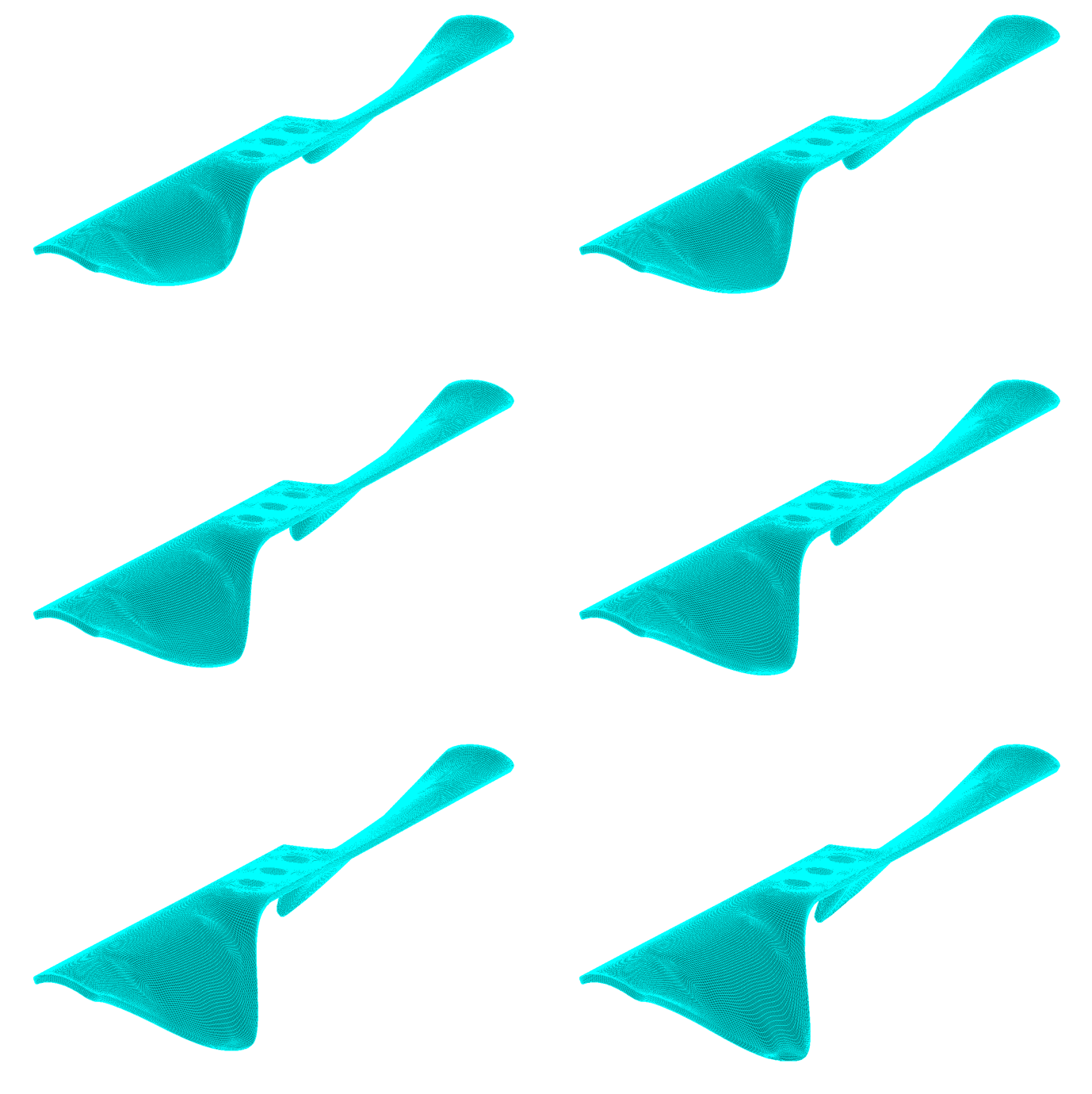
Example 3: Drone blade optimization study
Block manipulations are done at topology level. Blocks are translated in the input file based on the geometric changes to aid the grid smoother.
Read more about Shape Optimization from our blog articles:
RANS Based Automated Ship Hull Design Optimization
Piston Bowl Design Optimization and Meshing for CFD
Check out the next Key Software Capabilities: Higher Order Meshes